
Geothermal homeowner guide
Geothermal Thermostat Replacement & Smart Control Compatibility
A new thermostat must match the way your geothermal system is controlled, including any zoning or auxiliary equipment. Begin with the existing equipment and the functions you want to keep. A familiar brand, Wi-Fi connection or “works with heat pumps” label is only a starting point.
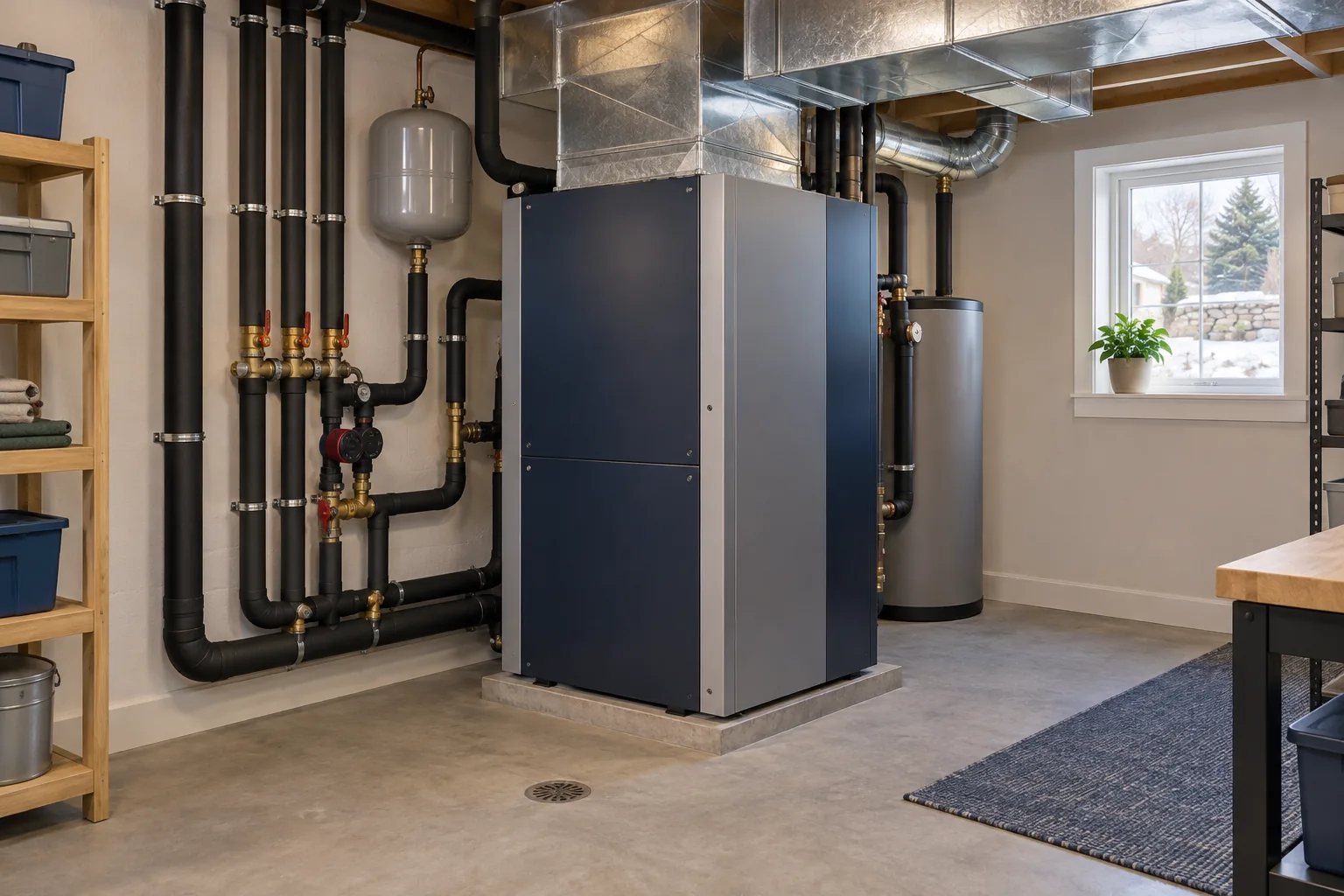
Conventional & Communicating Geothermal Thermostats
Geothermal controls are not all interchangeable. WaterFurnace’s thermostat range includes different control options and lists features such as communicating capability, humidity control, sensors and energy monitoring by model. Its communicating controls exchange information with compatible equipment, including fault and operating information.
Ask the service provider to identify your current control arrangement and the replacement options supported by the equipment documentation. The number of wires or the appearance of the wall display is not a complete compatibility assessment. Record the indoor unit model, current thermostat model and any separate zone controller from existing paperwork or accessible labels.
Can a Nest Thermostat Work with Geothermal?
Some geothermal arrangements may support a conventional smart thermostat, but compatibility must be checked for the particular system. Google’s Nest compatibility guidance distinguishes supported low-voltage systems from proprietary controls. It says proprietary systems are incompatible as configured, while some may have an adapter or a professionally assessed rewiring option.
That is not approval to substitute a new display on a communicating geothermal system. Ask the installer whether conversion is supported and what functions would change. Use the chosen thermostat manufacturer’s current checker and documentation alongside the geothermal equipment instructions. Treat the thermostat’s exact model and generation as part of the quote; different products under one brand can support different arrangements.
List the Geothermal Control Features You Need to Keep
Before shopping, make two lists: functions the current system uses and conveniences you would like to add. This separates a needed control function from a preference for a larger display or a new app.
| Current function | Replacement question |
|---|---|
| Heating, cooling and auxiliary equipment | Does the selected control support the required equipment and operating sequence? |
| Several room zones | Is it compatible with the installed zoning controls and sensors? |
| Humidity equipment | Which existing devices will remain controlled? |
| Fault display and monitoring | Which messages and measurements will remain available? |
| Remote access | What additional equipment, account or network connection is needed? |
Have the proposal resolve any unknown item before purchase. A feature marked “not used” is different from a function that is present but unverified.
Smart Thermostat Features & Geothermal Energy Monitoring
Compare what a control actually reports. WaterFurnace’s thermostat brochure, for example, distinguishes instantaneous energy information at certain displays from fuller monitoring through its connected platform. Remote temperature adjustment and detailed system monitoring are different features.
Ask what the proposed display measures, what is calculated, and which equipment is included. If you want to investigate electricity use, specify that goal before selecting hardware. A convenient app is not proof that it records every component’s consumption. Keep monitoring expectations in writing and use the electric-bill guide for the separate whole-house comparison.
Geothermal Thermostat Schedules & Auxiliary-Heat Settings
Get operating guidance for the installed combination of equipment and controls. WaterFurnace’s brochure advises consulting the dealer before using programmed setbacks. That model-specific advice is a reason to discuss scheduling during the handover, not to copy a universal temperature schedule from the internet.
Tell the installer when the home is occupied, which comfort problems you want to address and whether you use vacation schedules. Ask for the intended homeowner adjustments and an explanation of auxiliary or emergency-heat indications. Leave installer configuration changes to the qualified service provider. The winter guide explains the questions a documented backup-heating plan should answer.
Thermostat Replacement Quote & Installation Handover
A complete replacement quote should identify the new control, compatibility assessment, included wiring or interface work, configuration and functional checks. If zoning, humidity equipment or another heat source is present, ask for those functions to be included in the check. Name any feature that will be removed or left unsupported.
At handover, request the manual and a record of the installed model. Have the installer demonstrate ordinary mode and temperature changes, schedules, relevant display messages and any agreed remote access. Ask how to recover access after a router or account change and who handles control-related support. Add the result to the home’s geothermal maintenance record.
Arrange Geothermal Control Assessment in Syracuse
If heating or cooling has already failed, report the symptoms before assuming the thermostat is the cause. Note whether the display is blank, an error appears, only one zone is affected or the problem began after a change. Those observations help frame a geothermal repair assessment.
For a planned upgrade, use the home system map to describe the connected equipment, then prepare a geothermal quote brief with the current thermostat and your desired features. Ask for compatibility and retained functions to be confirmed before buying the replacement.